 DocsAura
DocsAura
From a voice note to a finished document in 60 seconds. Our own AI product.
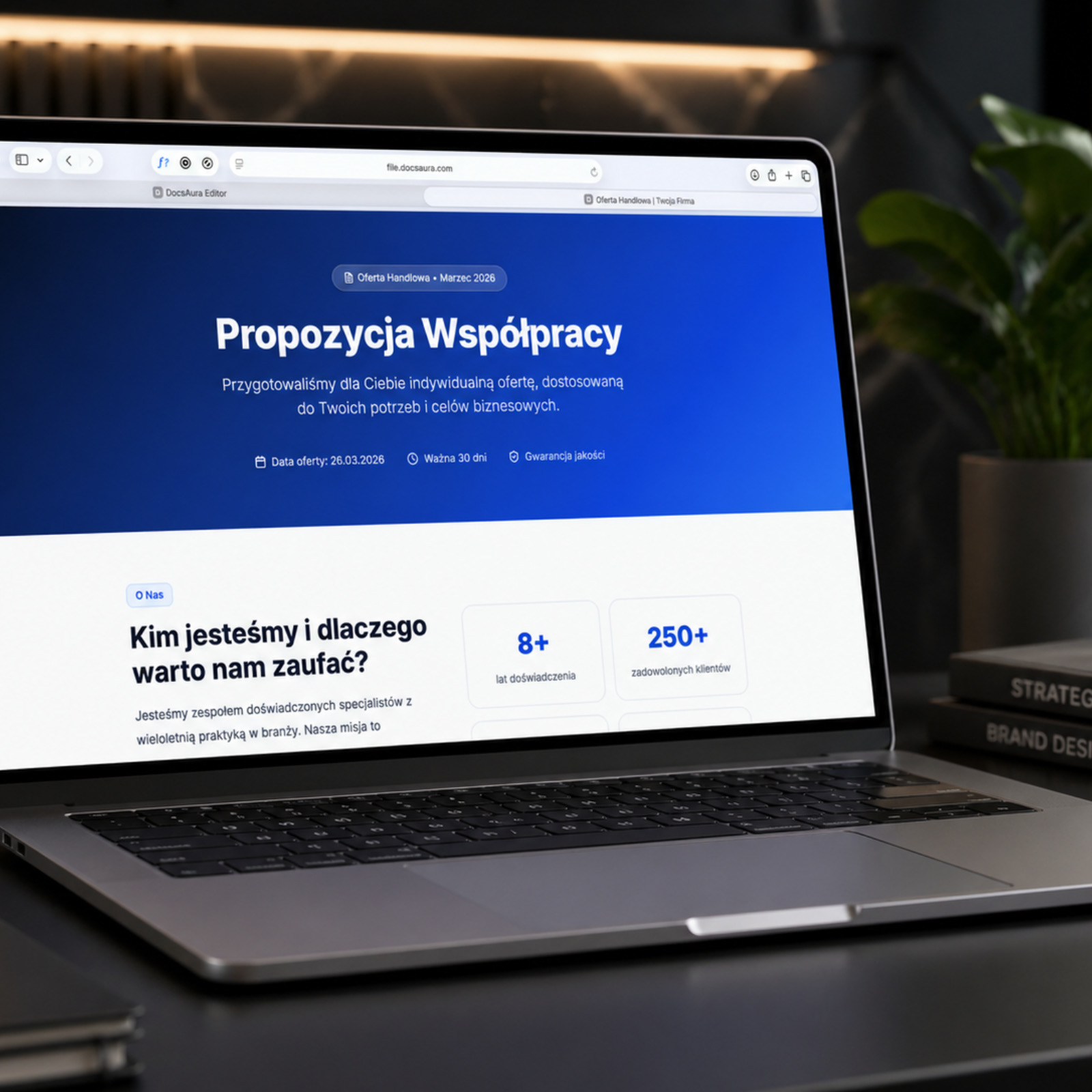
Project overview
Who it's for:
- Agencies and project-based firms
- Freelancers and consultants
- Project managers
The problem
"Companies lose hours building visual project updates in Canva, or they send boring text documents that clients ignore."
Clients expect professional-looking materials, but producing them takes time, design skills and access to graphics tools. Most companies give up and send plain emails or PDFs.
Key results for users
With DocsAura, creating professional documents is as easy as writing an email.
60 seconds
From a voice note to a finished document.
No design skills needed
AI handles all the design for you, automatically.
Professional look
Documents look like they came from a creative agency.
Challenges
Hours in Canva instead of client work
Building visual project updates (status reports, monthly summaries, presentations) takes hours. Time that could go into real work gets wasted on designing in Canva.
Boring text documents nobody reads
Sending plain emails or Word files means clients don't pay attention. Information gets lost in the inbox, goes unread or gets ignored. No visual form = no engagement.
No time or skills to create visual materials
Most people can't design and don't have time to learn. Professional materials require graphic skills or hiring a designer - which is expensive and slow.
Inconsistent client communication
One time you send a PDF, another an email, another a slide deck. Without a consistent format, communication looks chaotic and unprofessional. Clients never know what to expect.
Our approach
The project was built around a single idea:
"Creating professional documents should be as simple as writing an email."
AI takes on the entire visual side - you provide the content (even as a voice note), and the system produces a professional document.
The solution: inside DocsAura
Four key elements that changed the way documents get made
Create from a voice note
The user can record a voice note - just talk about what's happening in the project, what the progress is, what got done. The system transcribes the recording and turns it into structured document content.
The fastest way to input content - you speak instead of typing.
Professional visual templates
The system comes with a library of professionally designed templates. AI automatically matches a template to the document type (status report, monthly summary, results presentation) and fills it with content.
You don't need to know design - the templates are crafted by professionals.
AI integration
AI analyzes the content, extracts the key information, writes headings, highlights the important points and generates the document layout. The system decides on its own what belongs in the highlights, what goes in the body text and where to add visuals.
AI transforms raw content into a professional, visual document in 60 seconds.
Export and sharing
A finished document can be exported as a PDF, a shareable link or HTML. Clients receive a link that opens right in the browser - no file downloads, no version headaches.
You send a link and the client instantly sees a professional, visual document.
"From a voice note to a polished document in a minute. Our salespeople have forgotten what Word is."
DocsAura
Our own AI product — 60s from recording to PDF
Let's talk about your project
Tell us about your needs and challenges – we'll show you how we can help and how much time you could save.
hello@spectrumflr.com